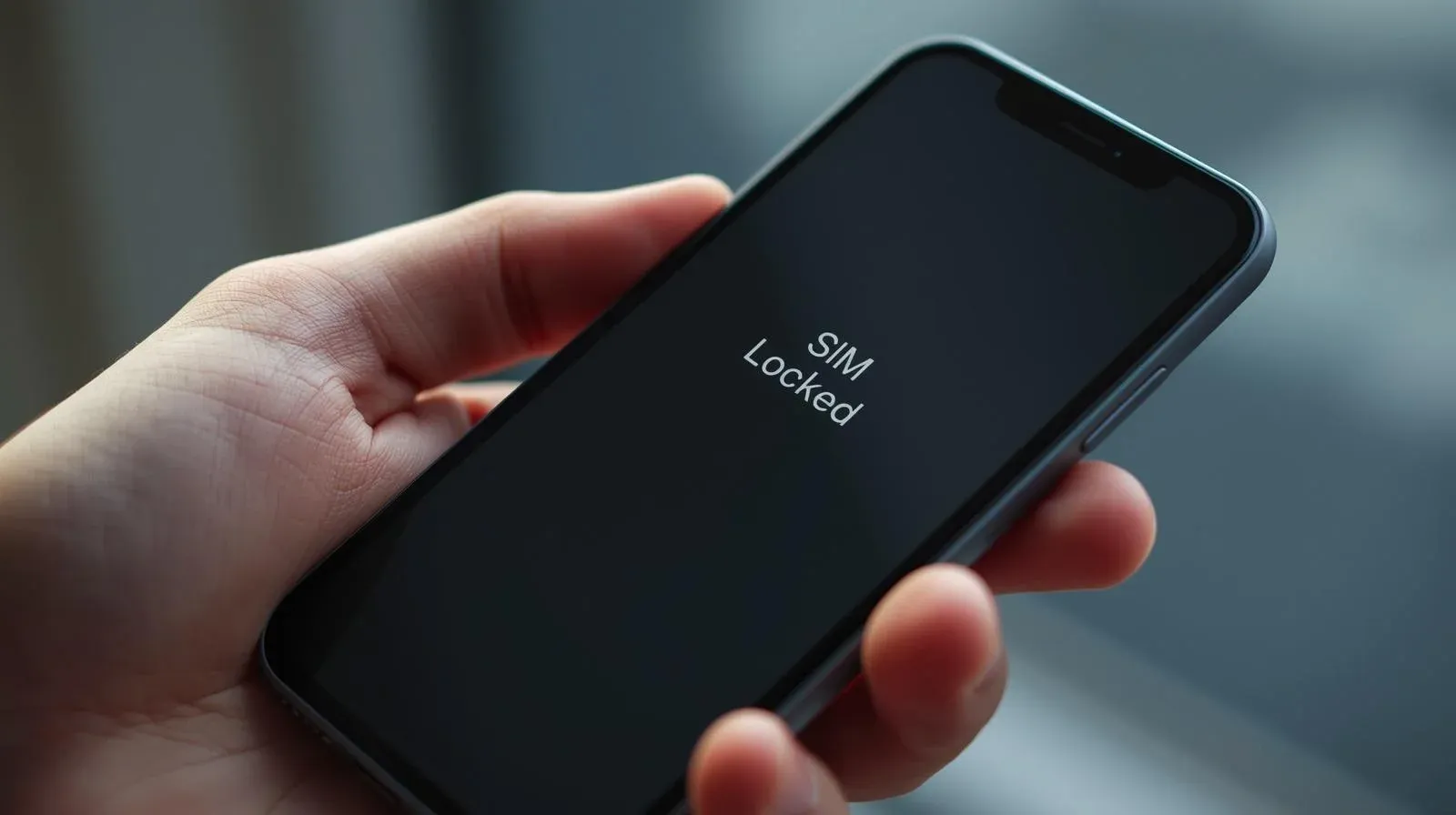
Unlocking a SIM-locked iPhone is easier than you might think. Whether you’re looking to switch carriers, avoid roaming charges while traveling, or increase the resale value of your device, unlocking your iPhone can provide you with greater freedom.
In this article, we’ll break down everything you need to know about unlocking a SIM-locked iPhone, including the steps, benefits, and troubleshooting tips.
What Is SIM Locking?
SIM locking is when your iPhone is restricted to a specific carrier’s network. This means that your iPhone can only work with the carrier’s SIM card and cannot be used with another carrier without unlocking it.
Why Does Apple SIM Lock iPhones?
Carriers use SIM locking as a way to ensure that you remain with their service for a certain period.
Typically, when you buy an iPhone from a carrier, it is locked to their network for a specified duration, such as the length of your contract or until the device is fully paid off.
Why Unlock Your iPhone?
There are many advantages to unlocking your iPhone. Here are the main reasons you should consider unlocking your device:
- Freedom to Switch Carriers: Once unlocked, you can change to any carrier that supports your iPhone.
- Avoid Roaming Fees: If you travel internationally, you can purchase a local SIM card to avoid expensive roaming fees.
- Increase Resale Value: Unlocked iPhones are worth more when selling them because they can be used with any carrier.
Step-by-Step Guide to Unlock Your iPhone
Unlocking your iPhone is a straightforward process. Here’s a simple, easy-to-follow guide to help you unlock your device.
1. Check Your iPhone’s Eligibility
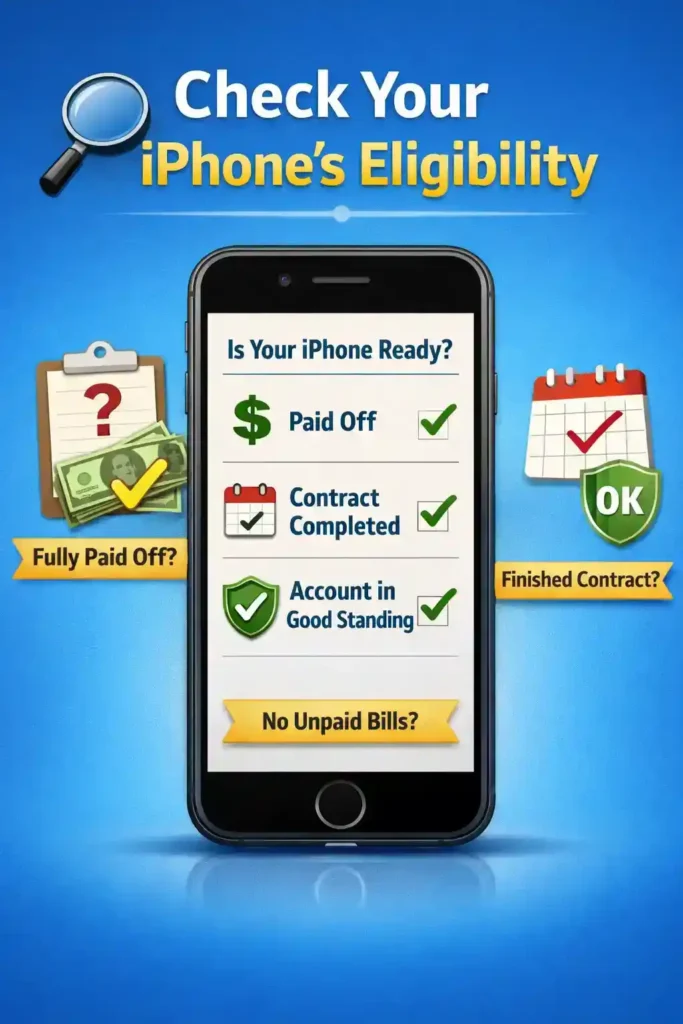
Before attempting to unlock your iPhone, make sure that your device is eligible for unlocking. Carriers typically require the following:
- Fully Paid Off: Your iPhone must be fully paid for. You can’t unlock a phone with an outstanding balance.
- Completed Contract: If you’re under a contract, it should be completed before you can request an unlock.
- Account in Good Standing: Ensure your account is in good standing with no unpaid bills or fees.
2. Contact Your Carrier
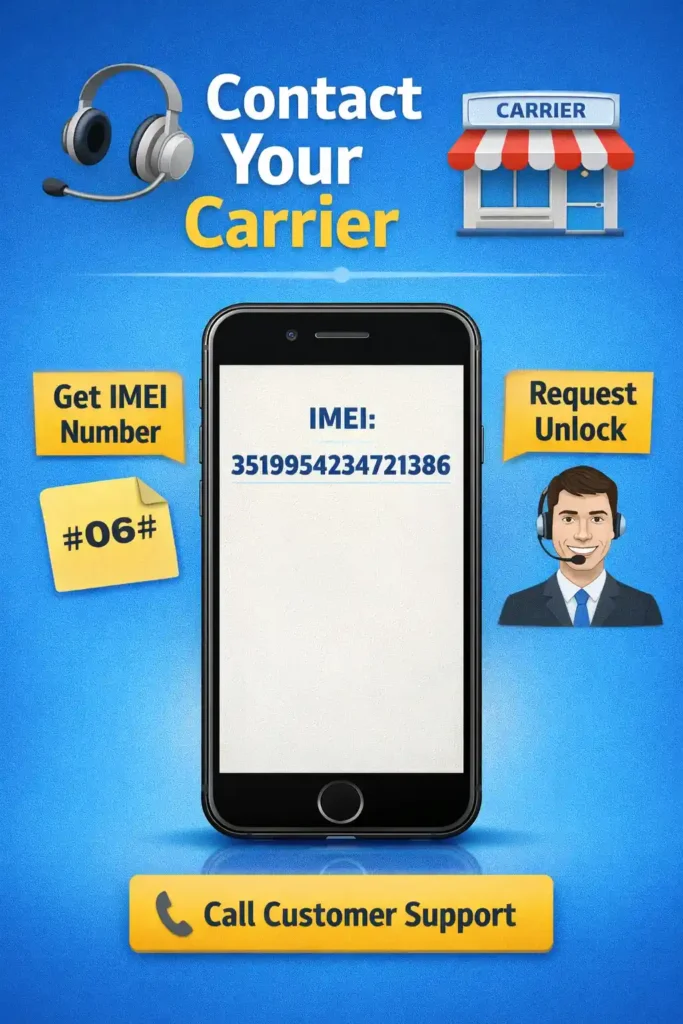
The simplest way to unlock your iPhone is through the carrier that locked it. Here’s what to do:
- Get Your IMEI Number: Dial *#06# on your iPhone to get your IMEI number, or go to Settings > General > About.
- Contact Carrier Support: Reach out to your carrier’s customer support and request that they unlock your iPhone. Provide them with your IMEI number and any required information.
3. Wait for Carrier Approval
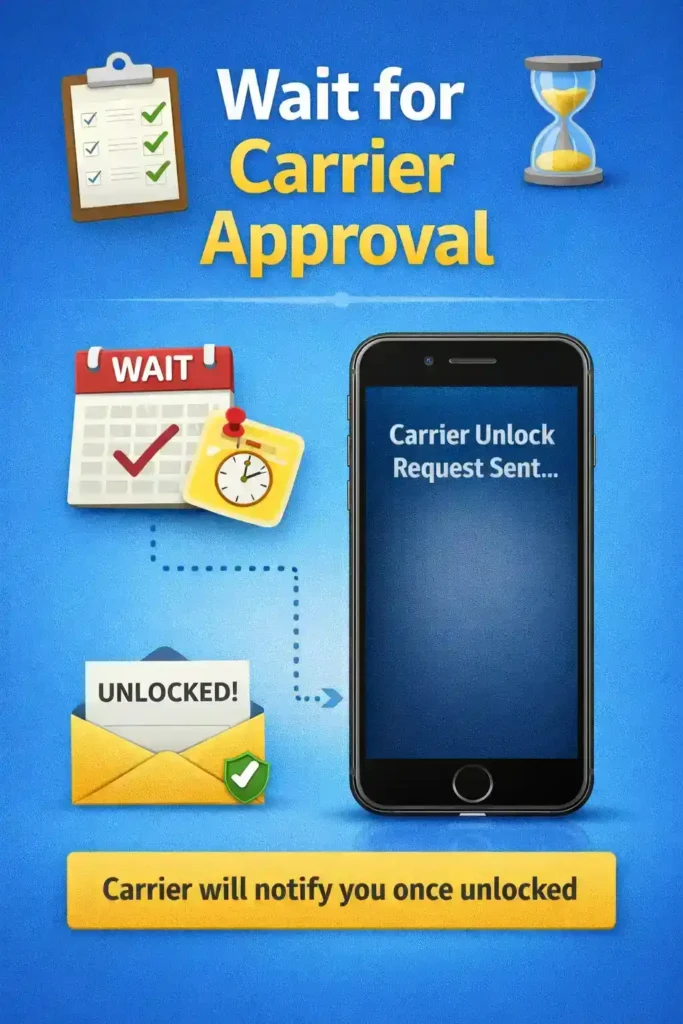
Once you’ve submitted your unlock request, your carrier may take anywhere from a few days to a week to process it.
Some carriers will notify you via email once your phone is unlocked, while others may require you to connect your iPhone to iTunes or Finder to complete the process.
4. Insert a New SIM Card
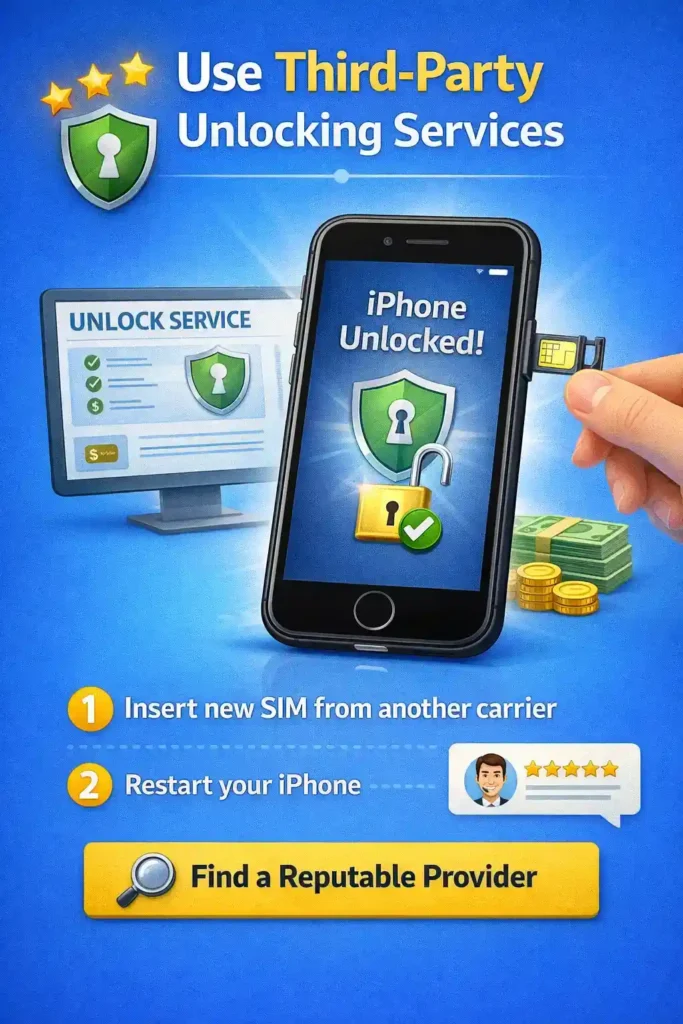
Once the carrier confirms your phone is unlocked, you can test it by inserting a new SIM card from a different carrier. Restart your iPhone, and if it successfully connects to the new network, your phone is unlocked!
5. Use Third-Party Unlocking Services
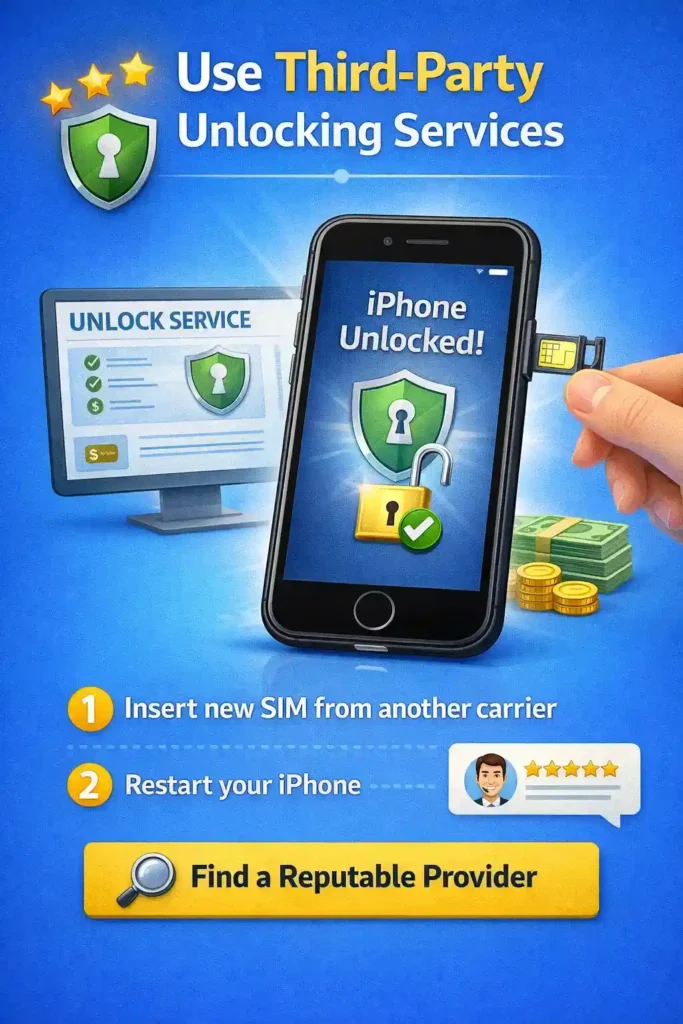
If your carrier refuses to unlock your iPhone or you don’t meet their eligibility requirements, you can consider using third-party unlocking services.
These services will unlock your device for a fee. However, be sure to choose reputable services with good reviews to avoid scams.
Troubleshooting Common Unlocking Issues
Sometimes, you may run into issues during the unlocking process. Here are some troubleshooting tips:
SIM Not Supported Error
If your iPhone is showing a “SIM Not Supported” message after inserting a new SIM, try restarting your phone and ensure the SIM is compatible with the iPhone model.
Activation Error
If you see an activation error, try connecting your iPhone to iTunes (or Finder on newer macOS versions). This often resolves activation issues.
Carrier-Specific Restrictions
Certain carriers may impose additional restrictions on unlocking. If this happens, you might need to contact customer support or escalate the issue.
What If My iPhone Is iCloud Locked?
An iCloud lock is different from a SIM lock. If you are buying a second-hand iPhone, it’s important to check if the device is iCloud locked. If it is, you cannot unlock it unless the previous owner removes the lock by logging into iCloud and deactivating it.
How to Check for iCloud Lock
- Check Before Purchase: If you’re buying a second-hand iPhone, ask the seller to remove the iCloud lock before selling it to you.
- Check in Settings: Go to Settings > iCloud and see if you’re asked to enter the previous owner’s Apple ID.
Legal Considerations for Unlocking
Unlocking an iPhone is legal in most countries, including the United States. However, you should always check your carrier’s policies, as some carriers may have restrictions on unlocking their phones.
When using third-party services, be sure to confirm that the service you are using is legal and reputable to avoid scams.
Why Unlocking Your iPhone Is Worth It
Unlocking your iPhone offers several advantages, including:
- Use with Any Carrier: You can choose the carrier that fits your needs, whether for price, service, or coverage.
- No Roaming Charges: Travel internationally without worrying about high roaming costs by using a local SIM card.
- Higher Resale Value: Unlocked phones are more valuable, making it easier to resell your device.
Conclusion
Unlocking your iPhone is a simple process that gives you the flexibility to use your phone with any carrier.
Whether it’s for switching carriers, traveling, or increasing the resale value, unlocking your iPhone is worth the effort. Just follow the steps in this guide, and you’ll have your iPhone unlocked in no time.
CLICK HERE TO READ MORE INFORMATIVE BOGS THAT PAUSE YOU