Best Phones for Video Recording: A Creator’s Buying Guide
The best phones for video recording give creators reliable stabilization, clear audio, useful camera lenses, enough storage, and a fast editing workflow. The most expensive phone is not automatically the best choice for every influencer, vlogger, or social media creator.
An iPhone may suit someone who needs a simple and consistent video workflow. A Samsung Galaxy can offer flexible lenses and advanced recording modes, while a Google Pixel may appeal to creators who prefer automated processing and Android tools.
This guide compares important 2026 models using officially published specifications. Actual video quality can still vary with lighting, movement, heat, camera settings, software updates, and the creator’s filming technique.
Quick Comparison
The iPhone 17 Pro is the strongest choice here for creators who need professional recording formats and a mature mobile video workflow. It supports high-frame-rate 4K video, ProRes, ProRes RAW, Apple Log 2, and external recording.
The Samsung Galaxy S26 Ultra is a flexible Android choice for creators who want several rear focal lengths, 8K recording, strong zoom, and manual Pro Video controls.
Google’s Pixel 10 Pro provides useful stabilization and simple computational video tools. It can record standard 4K footage directly and offers 8K through Google’s Video Boost processing.
| Phone | Main video strengths | Best suited for |
|---|---|---|
| iPhone 17 Pro | ProRes RAW, Apple Log 2, 4K high-frame-rate recording | Professional mobile video workflows |
| Galaxy S26 Ultra | 8K, 4K Pro Video, several optical focal lengths | Android creators needing camera flexibility |
| Pixel 10 Pro | Pro Stable Video, Video Boost, easy processing | Creators wanting a simple Android workflow |
| iPhone 17 | 4K Dolby Vision, Dual Capture, Action mode | Everyday creators who do not need Pro features |
These recommendations are based on features and creator needs rather than paid testing. Try the exact device personally or review original sample footage before making an expensive purchase.
Decide What Type of Creator You Are
A travel vlogger, beauty influencer, food creator, interviewer, and product reviewer do not need exactly the same phone. Start with the content you produce most often.
Beauty and fashion creators may value natural skin tones, accurate color, a strong front camera, and consistent exposure. Travel vloggers may care more about stabilization, battery life, durability, and lens choices.
An interview creator needs dependable microphones or support for an external audio system. A product reviewer may prioritize close focus, controlled lighting, storage, and the ability to lock exposure and white balance.
Write down your three most common recording situations. This prevents you from paying for impressive specifications that will rarely improve your actual videos.
iPhone 17 Pro for Advanced Mobile Video
Apple’s official specifications show that the iPhone 17 Pro can record 4K Dolby Vision at several frame rates. Its Fusion Main camera can reach 4K at 120 frames per second in supported modes.
The phone supports ProRes recording up to 4K at 120fps when using external storage. Apple also lists ProRes RAW, Apple Log 2, the Academy Color Encoding System, Cinematic mode, and Action mode.
These tools make the iPhone 17 Pro useful for creators who edit color, connect external storage, or combine phone footage with professional cameras. However, professional formats create very large files and require more editing knowledge.
The iPhone 17 Pro also has an 18-megapixel Center Stage front camera. Apple lists autofocus, ultra-stabilized video, and Dual Capture, which can record with front and rear cameras together.
Choose this model when you understand why you need Log or ProRes. A creator publishing normal social media clips may receive similar practical value from the standard iPhone 17.
Samsung Galaxy S26 Ultra for Lens Flexibility
The Galaxy S26 Ultra has four rear cameras, including a 200-megapixel wide camera, 50-megapixel ultra-wide, 50-megapixel 5x telephoto, and 10-megapixel 3x telephoto.
Samsung’s official launch information lists 8K recording at 30fps and 4K at 120fps in Pro Video. Its 12-megapixel selfie camera supports 4K at 60fps.
The lens range can help creators move from wide room footage to portraits and distant details without carrying separate camera lenses. Optical focal lengths generally provide better results than extreme digital zoom.
Samsung also promotes Super Steady, Dual Recording, Nightography, and manual video controls. Low-light improvement claims come from Samsung, so buyers should still compare independent, unedited footage.
This model may fit event, travel, automotive, and outdoor creators who need several perspectives. Its large size may be less comfortable for long handheld selfie videos.
Google Pixel 10 Pro for Simple Android Video
Google’s official specifications list direct 4K recording at 24, 30, or 60fps. The Pixel 10 Pro can also produce 8K at 24 or 30fps using Video Boost.
Video Boost relies on Google’s processing rather than providing the same direct 8K workflow as every competing phone. This difference may matter when you need immediate files or have limited internet access.
The Pixel line focuses heavily on computational photography and automated processing. This can help creators who want attractive footage without spending much time adjusting manual controls.
Google also advertises Pro Stable Video and seven years of new features and updates. Long software support may improve value for creators who do not replace their phone every year.
Choose the Pixel 10 Pro when fast capture, simple editing, and Android integration matter more than professional codecs or a large manual-video toolset.
The Standard iPhone 17 May Be Enough
Many creators do not need a Pro phone. The standard iPhone 17 supports 4K Dolby Vision at up to 60fps, Cinematic mode at up to 4K 30fps, and Action mode at up to 2.8K 60fps.
It also offers Dual Capture, macro video, slow motion, and stabilized time-lapse. These features cover common TikTok, Instagram Reels, YouTube Shorts, and everyday vlogging needs.
The money saved by choosing a standard phone could be used for lighting, a wireless microphone, a tripod, storage, or travel. These additions may improve content more than a professional recording format you never use.
Before upgrading to a Pro model, ask whether your current limitations come from the camera or from poor light, weak audio, shaky framing, and inconsistent planning.
Resolution Is Not the Whole Story
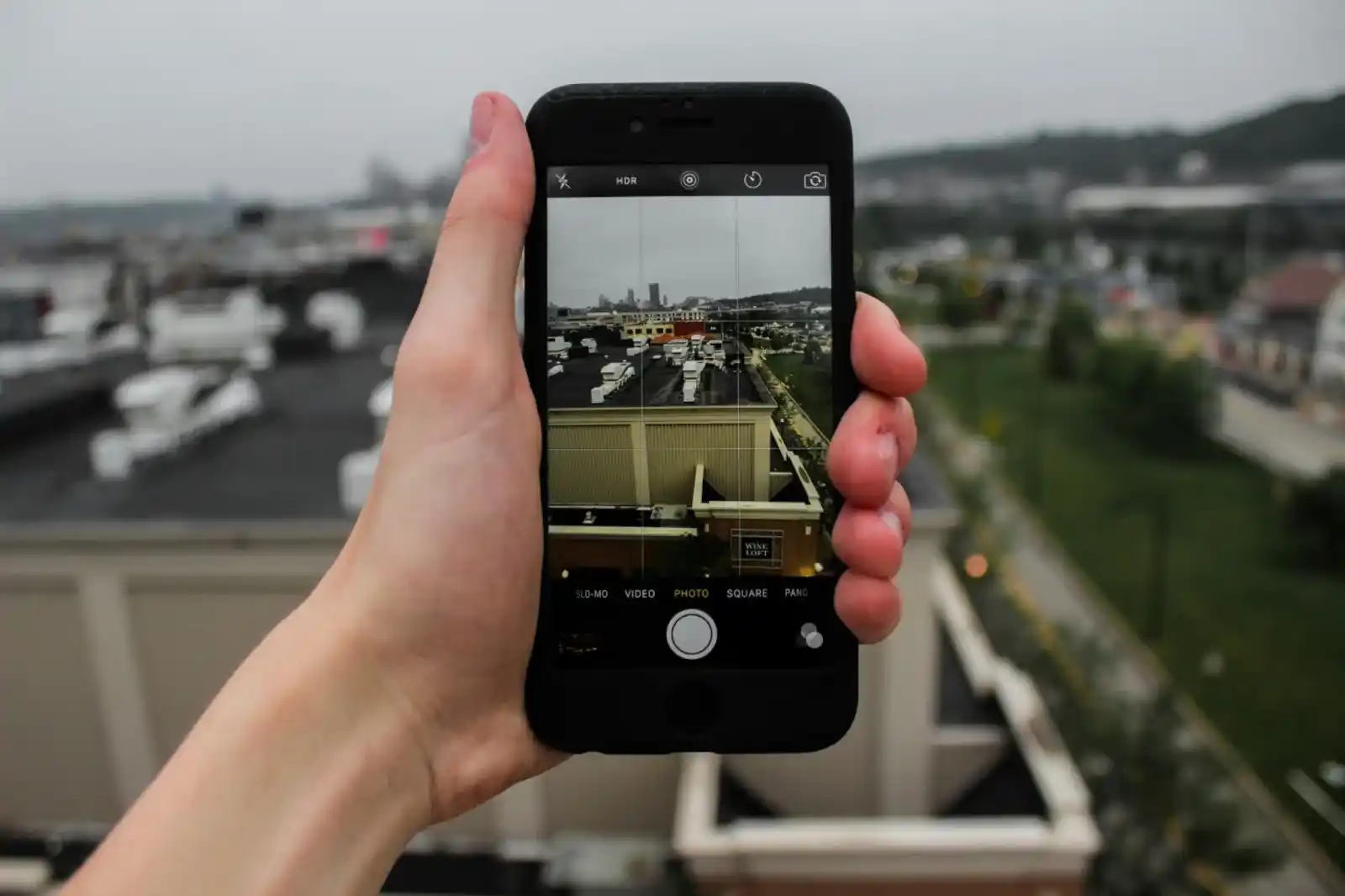
An 8K label can look impressive, but most social media content does not require final delivery in 8K. High-resolution files use more storage, require more processing, and may cause the phone to heat faster.
For many creators, 4K at 30fps provides a useful balance between quality and file size. It also allows some cropping when exporting a smaller final video.
Use 4K at 60fps for smoother motion when the platform and lighting support it. Higher frame rates normally require more light and can produce larger files.
A well-lit 4K video with clear sound will usually be more useful than dark, unstable 8K footage. Resolution cannot repair poor composition or distracting audio.
Stabilization Matters for Handheld Creators
Optical and electronic stabilization can reduce visible shake, but no phone can make every type of movement look smooth. Walking, running, vehicle vibration, and quick turns remain challenging.
Test stabilization with the exact lens and resolution you plan to use. Some enhanced stabilization modes crop the image or limit available resolution.
A small tripod or phone grip can improve static videos, interviews, product demonstrations, and talking-head clips. A gimbal may help with planned walking shots, although it adds setup time.
For normal vlogging, practice walking slowly, keeping elbows closer to the body, and avoiding sudden direction changes. Technique remains important even with advanced stabilization.
Do Not Ignore Audio Quality
Viewers may accept a slightly imperfect image, but unclear speech can make them leave quickly. Built-in phone microphones work best when the creator remains close to the device.
Wind, traffic, air conditioning, echo, crowds, and fabric movement can reduce voice clarity. Record a short test clip and listen with headphones before filming the complete video.
A wired or wireless microphone can improve interviews, tutorials, and outdoor vlogs. Confirm that the microphone works with the phone’s port, operating system, camera app, and recording format.
Check whether the system can monitor sound while recording. A microphone icon on the screen does not prove that the voice is clean or free from interference.
Storage Can Become the Main Limitation
High-quality video uses storage quickly, especially when recording 4K, slow motion, Log, ProRes, or long interviews. Do not select storage based only on your current photo library.
Estimate how much footage you record during one normal project. Include failed takes, alternate angles, editing files, downloaded music, captions, and exported versions.
Creators who frequently film high-resolution video may benefit from 512GB or more. However, external storage and regular transfers can reduce the need for the highest internal capacity.
The iPhone 17 Pro supports external recording for certain professional formats. Android file handling may provide other transfer options, but compatibility should be tested before an important shoot.
Battery Life and Heat Management
Video recording, a bright display, stabilization, mobile data, and editing place heavy demand on a phone. A device may stop or reduce performance when it becomes too hot.
Avoid filming in direct sun longer than necessary. Remove a heavy case if the manufacturer says doing so is safe, and allow the phone to cool naturally rather than placing it against ice or water.
Carry a compatible power bank for long days. Confirm whether the phone can record properly while charging, as charging may create additional heat.
Battery claims from manufacturers use controlled conditions. Your results will depend on resolution, frame rate, screen brightness, signal strength, temperature, and background applications.
Front Camera vs Rear Camera
The rear camera usually offers the strongest overall video quality and more lens choices. It is useful for planned videos where you can frame the shot with a tripod or another screen.
The front camera is easier for solo vlogging because you can see your position and expression. Its quality may still differ from the main rear camera, especially in low light.
Dual-camera recording can capture the creator and the scene together. This is useful for reactions, travel, events, and demonstrations, but it may create a busier frame.
For beauty or fashion content, test how the camera processes skin texture, tone, and exposure. Disable unnecessary filters when you want a more accurate appearance.
Choose a Phone for Your Platforms
TikTok, Instagram Reels, and YouTube Shorts mainly use vertical video. Recording vertically from the start can protect composition and reduce unnecessary cropping.
Long-form YouTube creators often record horizontally, particularly for interviews, tutorials, and cinematic vlogs. Decide the final platform before framing.
Creators looking for phones for social media should consider upload speed, editing performance, app stability, display brightness, and battery life alongside the camera.
A phone that captures excellent video but slows during editing may create a poor daily workflow. Test your normal editing and publishing applications before the return period ends.
Create a Better Video Setup
Creators comparing phones for video recording should reserve part of the budget for accessories.
Start with a stable tripod or grip, a microphone suited to your filming style, and one simple light. Add equipment only after identifying a repeated problem.
A phone cage, external lens, gimbal, monitor, and large lighting system can produce more control, but they also reduce portability. Do not turn a convenient phone setup into equipment you avoid carrying.
The right setup is the smallest one that consistently produces the required result.
Red Flags When Buying a Creator Phone
Do not choose a phone only because it has the highest megapixel number. Megapixels describe only one part of the camera system and do not guarantee stronger video.
Be careful with reviews that show edited clips without explaining settings. Compression, color grading, lighting, and uploaded resolution can change how footage appears.
Check warranty coverage, regional model support, repair access, app compatibility, and return conditions. Imported phones may have network or service limitations in your country.
Avoid financing an expensive flagship when a current or previous-generation model already meets your needs. Content quality does not depend on owning the newest device.
Final Recommendation
Choose the iPhone 17 Pro if you need ProRes RAW, Apple Log 2, advanced external recording, and a professional mobile filmmaking workflow.
Choose the Galaxy S26 Ultra if you prefer Android, several optical focal lengths, 8K capture, Pro Video controls, and flexible zoom for events or travel.
Choose the Pixel 10 Pro if you want a simpler Android experience with strong automated processing and stabilization. Consider the standard iPhone 17 when you need reliable social video without Pro-level formats.
Before buying, record sample clips with the exact phone in daylight, indoor light, low light, and movement. Review them on a larger screen and test your editing apps.
For creators such as Littleminaxo, the most useful phone is not necessarily the one with the longest specification sheet. It is the device that makes filming, editing, and publishing consistent enough to support a recognizable creator brand.
⚠️ Disclaimer
Phones for video recording mentioned in this article are based on general research and industry trends. This content is for informational purposes only and does not represent professional advice or specific product endorsements. Features and performance of phones for video recording may vary depending on brand, model, and usage conditions. Readers are encouraged to conduct their own research before making any purchasing decisions. Littleminaxo is not responsible for any things.